You save everything.
You find nothing.
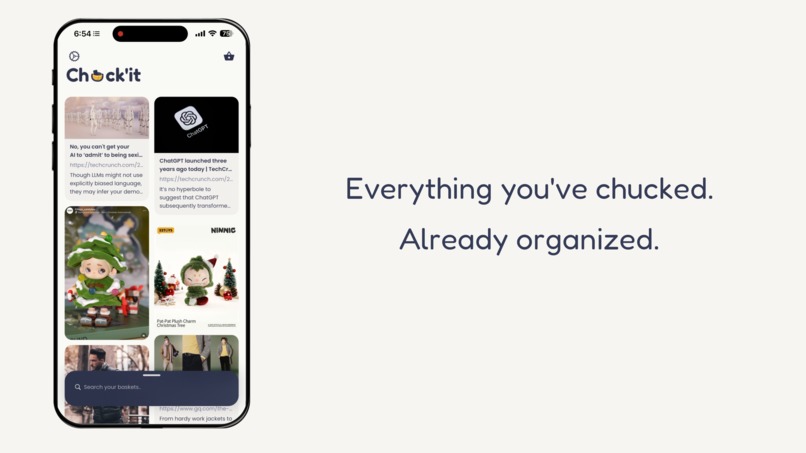
Chuck'it auto-organizes your links, text, screenshots, and images with on-device AI. Save in one second. Find by meaning. Private by design.
or join The Chuck'it Club — founding members get early builds + vote on features
How it works
Three steps. Zero effort. Your saves organize themselves.
Chuck it
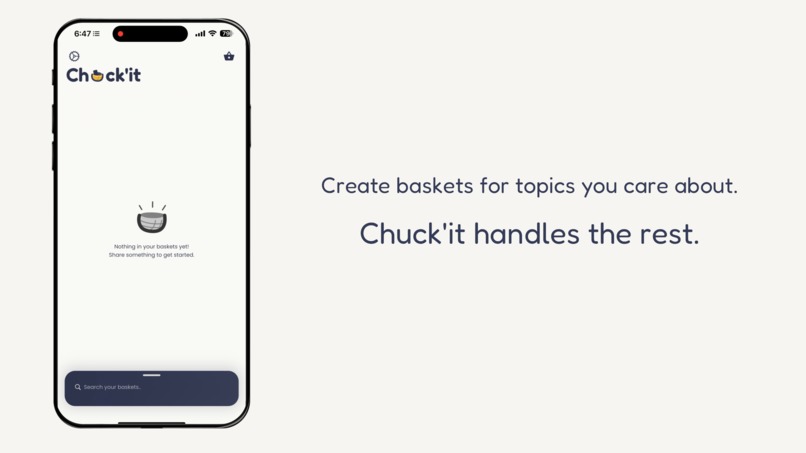
See something worth saving? Share it to Chuck'it from any app. One tap. Done. Back to browsing.

Share sheet screenshot
coming soon
It sorts itself
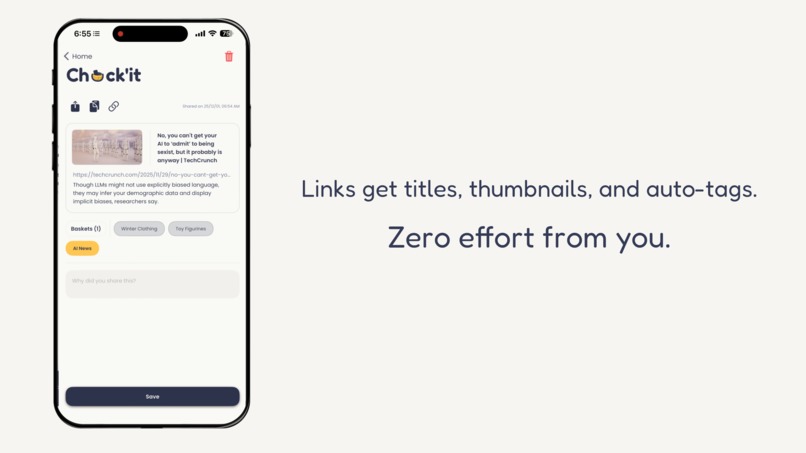
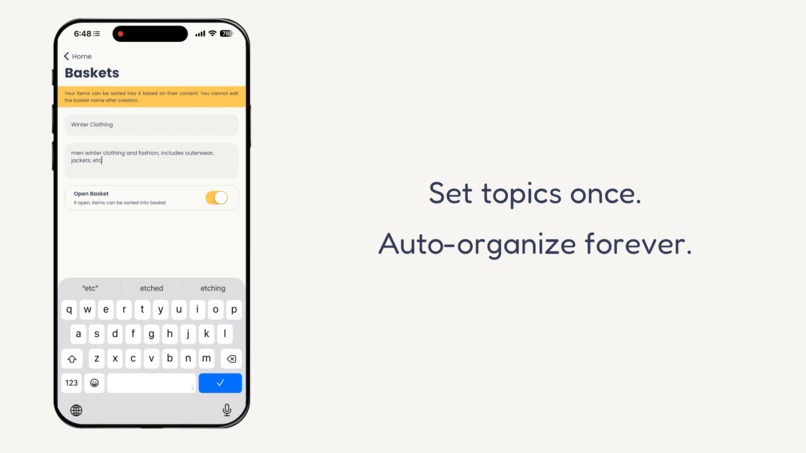
On-device AI reads your content and auto-files it into your baskets. No tagging. No folders. No effort.
Find it later
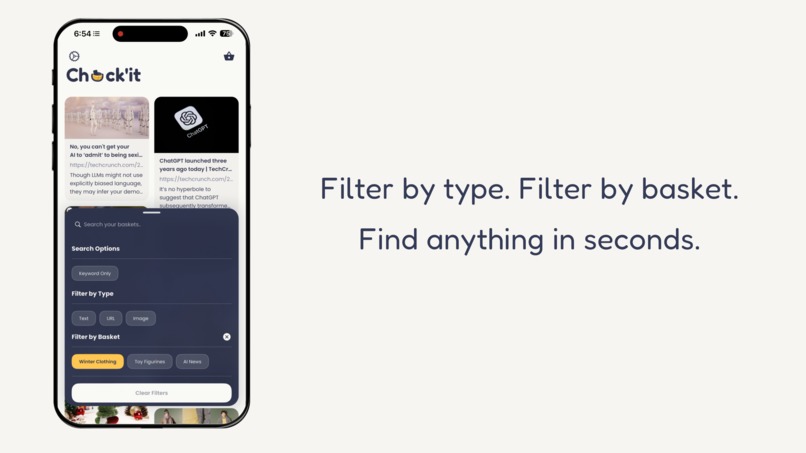
Search by meaning, not keywords. Type "healthy dinner ideas" and find that smoothie recipe from 3 months ago.
Built for how you actually save things
No more tagging. No more folders. No more losing what you saved.
Save from anywhere
Share sheet integration works with every app. No copy-pasting. No app-switching. Save and keep browsing.
AI auto-tagging
On-device machine learning sorts your saves into baskets automatically. Set up once, organized forever.
Search by meaning
Semantic search finds items by concept, not just keywords. In milliseconds. Entirely on-device.
Cross-platform
Native experience on both iOS and Android. Share sheet integration that feels like part of the OS.
Your data never leaves
your device.
In an era of data breaches and surveillance, Chuck'it takes a different approach. Your saves are yours — period.
No cloud account. No uploads to our servers.
All AI runs on your phone's processor. Link previews may fetch metadata — your saved content stays local.
Works perfectly offline and in airplane mode.
Not a fallback. Chuck'it was built offline-first from the ground up. No internet? No problem.
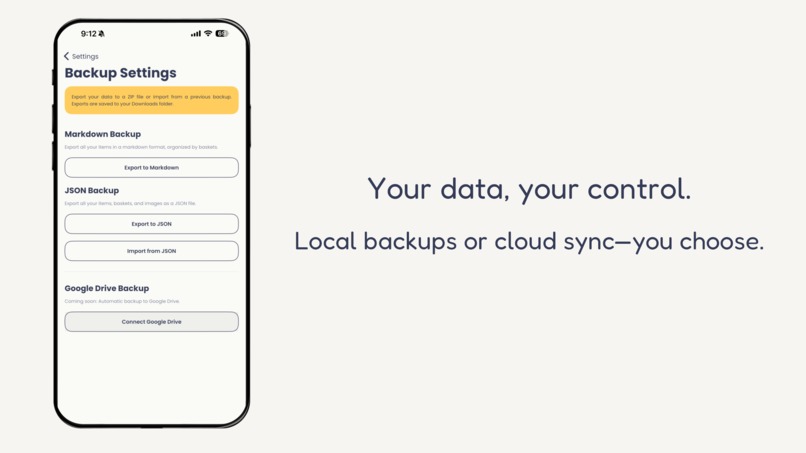
Export anytime as Markdown or JSON. No lock-in. Ever.
Your data in formats you can actually use, whenever you want.
Chuck'it vs. the rest
You've probably tried other solutions. Here's why they fall short.
| Raindrop | Screenshots |
Chuck'it
| ||
|---|---|---|---|---|
| Auto-organize | No | No | No | AI auto-tags |
| Search by meaning | No | No | No | Semantic search |
| Privacy | Cloud-based | Cloud-based | Local (unsearchable) | 100% on-device |
| Save speed | Slow (app switch) | Slow (manual tags) | Fast but chaotic | < 1 second |
| Works offline | No | No | Yes | Yes |
| Export data | Limited | Limited | None | Markdown + JSON |
Auto-organize
Search by meaning
Privacy
Save speed
Works offline
Export data
See it in action
A closer look at what Chuck'it can do.
.png)
Join The Chuck'it Club
Be a founding member. Get early builds, vote on what we build next, and get weekly updates from the team.
Meet the Co-Founders
Two builders who were tired of losing their bookmarks.